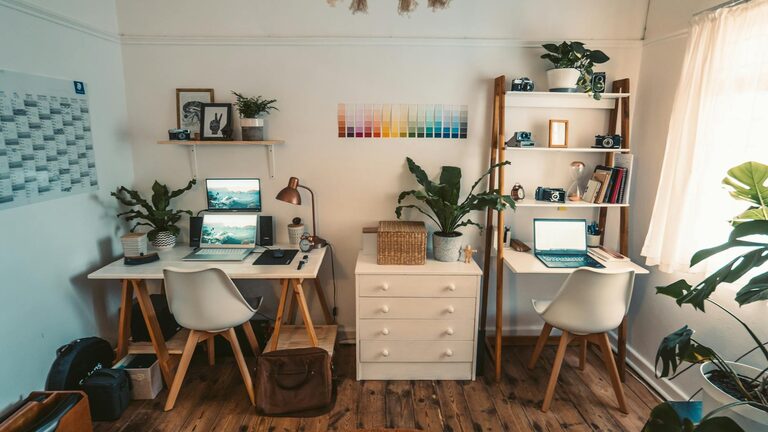
Creating a cozy and functional home office space is key to maintaining productivity and comfort while working from home. Whether you have a dedicated room or just a small corner, thoughtful planning can transform your workspace into an inviting and efficient area. Here are some practical tips to help you design the perfect home office setup.
Choose the Right Location
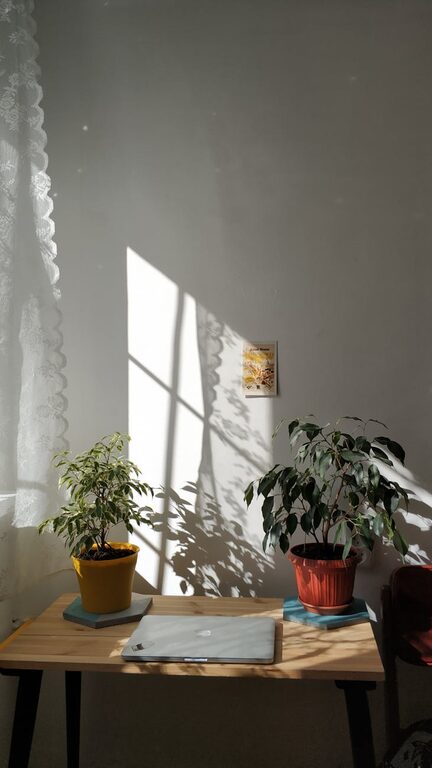
The first step is selecting a suitable spot for your office. Ideally, pick a quiet area away from distractions like TVs or heavy foot traffic. A room with natural light is best since it improves mood and reduces eye strain. If space is limited, corners or even a section of your living room can work with some smart partitioning.
Invest in a Comfortable Chair and Desk
Your chair and desk are the foundation of a functional office. Look for an ergonomic chair that supports good posture to avoid back or neck pain during long hours. Adjustable chairs with lumbar support are ideal. For desks, consider the size and height that fits your work style. Standing desks or convertible options provide flexibility and promote movement throughout the day.
Optimize Lighting
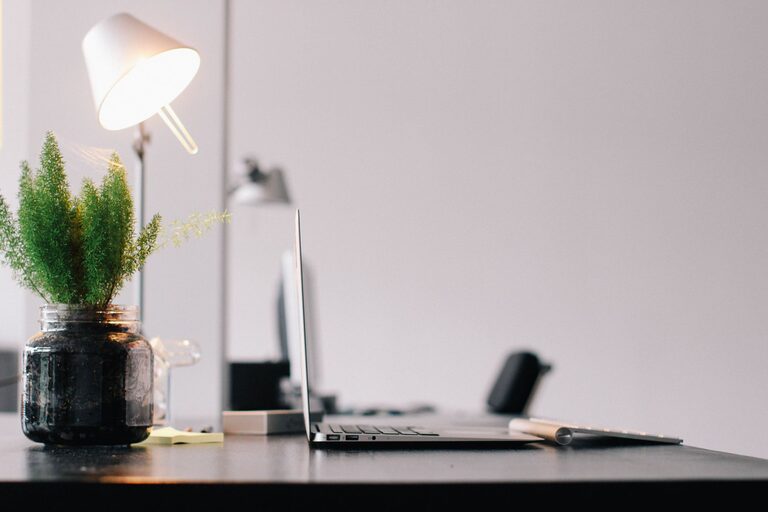
Good lighting is essential for reducing eye strain and creating a pleasant atmosphere. Besides natural light, add a desk lamp with adjustable brightness to illuminate your workspace properly. Warm light helps create a cozy environment, while cooler light can boost focus during intense tasks.
Organize with Smart Storage Solutions
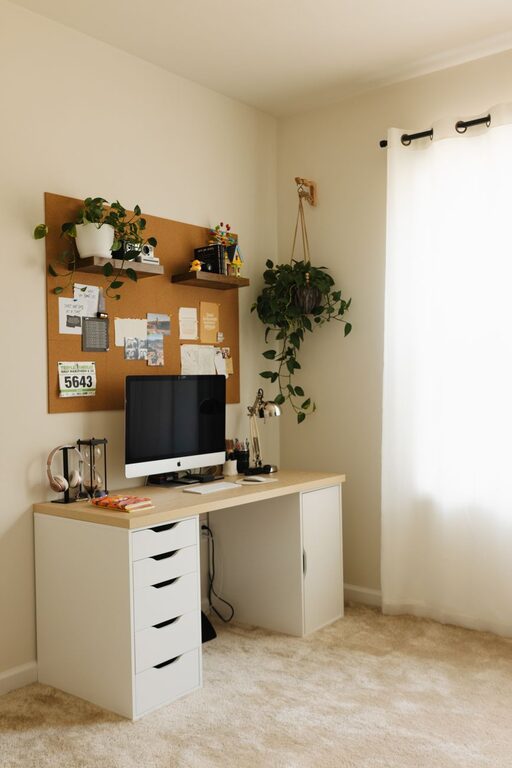
Keeping your office tidy contributes to both comfort and productivity. Use shelves, filing cabinets, or storage boxes to keep documents and supplies organized and out of the way. Wall-mounted organizers or pegboards are great for saving desk space and keeping frequently used items within reach.
Personalize Your Workspace
Adding personal touches makes your workspace feel inviting and motivates you to spend time there. Consider decorations like plants, artwork, or photos. Plants not only enhance the look but also improve air quality and reduce stress. Choose colors and accessories that inspire positivity without cluttering your space.
Manage Cables and Tech
A clean setup includes managing cables efficiently. Use clips, sleeves, or cable boxes to keep wires neat and prevent tangling. Make sure your tech gear—computer, printer, chargers—is arranged for easy access and good ventilation to avoid overheating.
Incorporate Functional Accessories
Adding practical accessories can enhance your work experience. A comfortable keyboard and mouse, an adjustable monitor stand, and a document holder can reduce strain. Additionally, noise-cancelling headphones or a white noise machine can help maintain focus in a noisy environment.
Create Zones for Different Tasks
If your office space allows, design different zones for varied activities—such as a main desk for computer work, a reading nook with a comfy chair, or a small table for brainstorming sessions. This separation helps switch mental gears and encourages movement.
Maintain Cleanliness and Comfort
A clean and clutter-free environment contributes to mental clarity. Make it a habit to tidy your desk daily and wipe down surfaces regularly. Temperature control is equally important; keep your space cool or warm enough to stay comfortable.
Set Boundaries for Work-Life Balance
Especially when working from home, it’s crucial to define clear boundaries between work and relaxation. Having a dedicated workspace helps signal when your workday starts and ends. Avoid using your bed or couch as a workstation to maintain this separation.
—
By following these tips, you can create a home office that not only supports your productivity but also offers a cozy, enjoyable environment to work in every day. Remember that small changes can make a big difference, so tailor your space to what feels best for you. Happy decorating!
About the Author