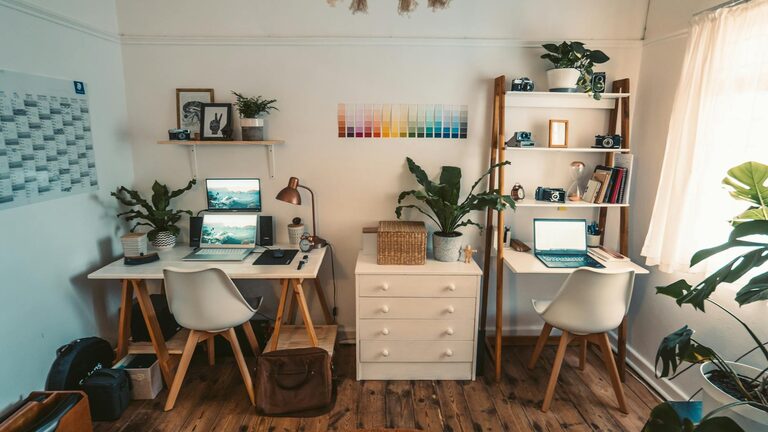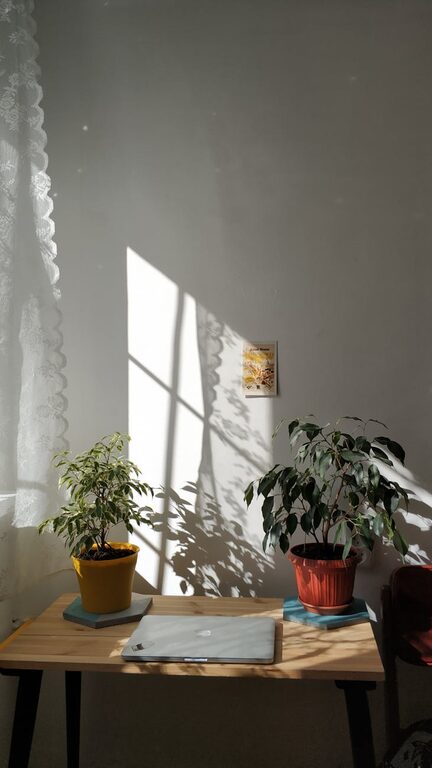
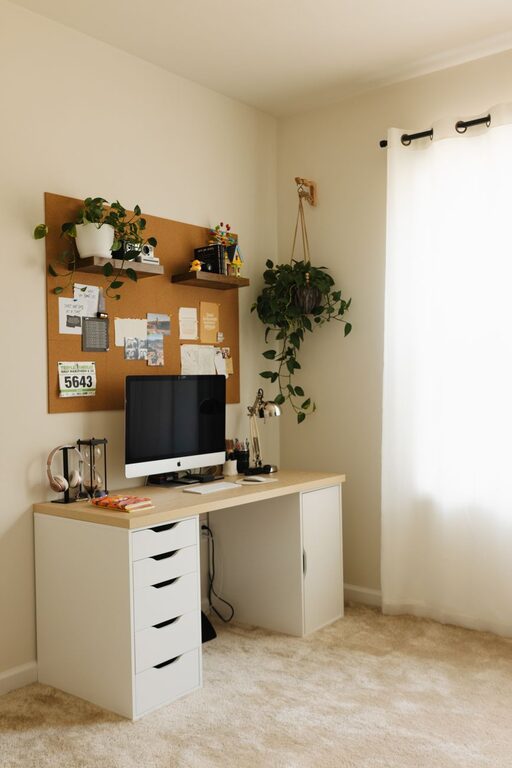
Creating a home workspace that feels both cozy and functional is essential for anyone working remotely or managing tasks from home. A thoughtfully designed space can boost your productivity, reduce stress, and even improve your overall well-being. Whether you have a dedicated room or just a corner in your living area, here are practical tips to help you set up the ideal home workspace.
Choose the Right Location
The first step in creating your workspace is picking the best spot in your home. Consider the following:
– Natural light: Position your desk near a window if possible. Natural daylight improves mood and focus.
– Quietness: Select a space with minimal distractions, away from noisy areas like kitchens or living rooms.
– Space: Ensure there is enough room for your desk, chair, and any equipment you need.
Invest in Comfortable Furniture
Comfort is key when spending long hours working at home. Focus on:
– Ergonomic chair: Choose a chair that supports your back and promotes good posture to avoid discomfort.
– Desk height: The desk should allow your arms to rest comfortably at a 90-degree angle.
– Adjustable furniture: Consider desks and chairs that can be adjusted to suit your body and preferences.
Create Efficient Storage Solutions
A cluttered workspace can harm focus and productivity. Keep your area tidy with:
– Shelves and drawers: Use shelves for books and decor, and drawers for office supplies.
– Organizers: Desk organizers or trays can help manage pens, papers, and cables.
– Cable management: Use clips or sleeves to keep cords neat and prevent tangling.
Personalize Your Workspace
Adding personal touches can make your home office feel inviting without compromising functionality:
– Plants: Introduce small indoor plants to improve air quality and create a calming atmosphere.
– Artwork: Choose art or photos that inspire and motivate you.
– Colours: Use soothing or energizing colours for your walls or accessories based on your personal taste.
Optimize Lighting
Proper lighting reduces eye strain and keeps you alert:
– Ambient lighting: A ceiling light or wall-mounted fixture provides general illumination.
– Task lighting: A desk lamp with adjustable brightness helps when working on detailed tasks.
– Avoid glare: Position screens and lights to minimize reflections on your monitor.
Establish a Routine and Boundaries
Your workspace should support not only physical comfort but also mental clarity:
– Set working hours: Define clear start and finish times for your workday.
– Breaks: Plan regular short breaks to stretch and refresh your mind.
– Separate workspace: Use your workspace exclusively for work to separate professional and personal time.
Use Technology Wisely
Equip your home office with tools that simplify work:
– Reliable internet: Ensure your Wi-Fi is fast and stable.
– Accessories: Use a quality keyboard, mouse, headphones, and webcam if needed.
– Backup solutions: Maintain regular backups of your work files in cloud storage or external drives.
Keep It Clean and Inviting
Regular cleaning helps maintain a pleasant environment:
– Daily tidying: Spend a few minutes each day clearing your desk and organizing.
– Air quality: Open windows to refresh the air or use an air purifier.
– Comfort items: Consider a soft rug, a cozy blanket, or a footrest for added comfort.
—
By following these tips, you can design a home workspace that not only looks inviting but also supports your daily work routine effectively. A cozy and functional environment contributes to better focus, creativity, and work satisfaction, turning your home office into a productive haven.
About the Author